
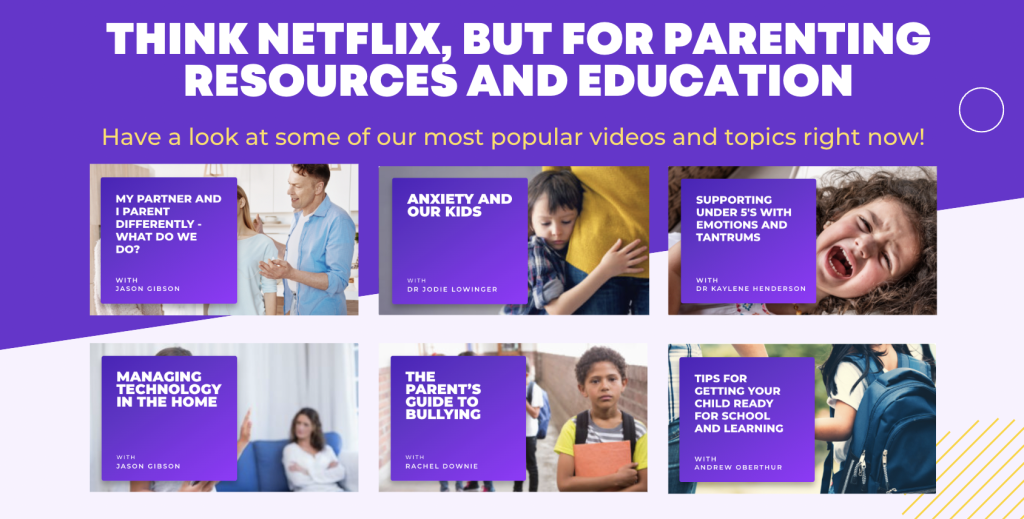
Family Place Libraries in partnership with BCS Public Libraries present Parent TV. These on-demand videos are available in multiple languages and contain hundreds of hours of content designed to support those who care for children, from infancy through the teenage years.
How to Access Parent TV
Here’s how to login and start viewing Parent TV’s offerings:
- Enter the first five digits of your library card – no PIN number needed.
- Click to accept the terms and conditions in the Terms and Conditions/Private Policy box.
That’s it! You’re now able to view parenting videos for all ages of a child’s lifecycle.